Mastering the Virtual Interview in 2025
Virtual interviews have evolved beyond basic video calls—they're now sophisticated professional engagements requiring technical proficiency, camera presence, and strategic communication. In 2025, mastering the virtual interview means understanding platform-specific nuances, optimizing your digital presence, and creating genuine connections through the screen. The most successful candidates don't just participate in virtual interviews; they dominate them through preparation, presentation, and engagement strategies that translate physical presence into digital impact.
Why Virtual Interviews Are Different in 2025
The virtual interview landscape has transformed:
- AI-powered interview platforms now analyse speech patterns, facial expressions, and engagement metrics
- Hybrid interview formats combine video with interactive assessments and collaborative tools
- Increased competition requires candidates to stand out in digital-first hiring processes
- Employers expect technical proficiency as a baseline requirement for remote and hybrid roles
- Platform-specific expectations vary significantly between Zoom, Teams, and specialized hiring tools
The Virtual Interview Mastery Framework
1. Technical Setup Optimization
Create a flawless technical foundation:
- Internet Connection: Use wired Ethernet connection with 10+ Mbps upload speed
- Lighting: Position natural light in front of you (not behind) or use ring light
- Camera Angle: Position camera at eye level with neutral, professional background
- Audio Quality: Use external microphone or quality headphones with noise cancellation
- Platform Familiarity: Test the specific platform (Zoom, Teams, HireVue) beforehand
2. Camera Presence Techniques
Project confidence and engagement through the screen:
- Maintain eye contact by looking directly at the camera (not the screen)
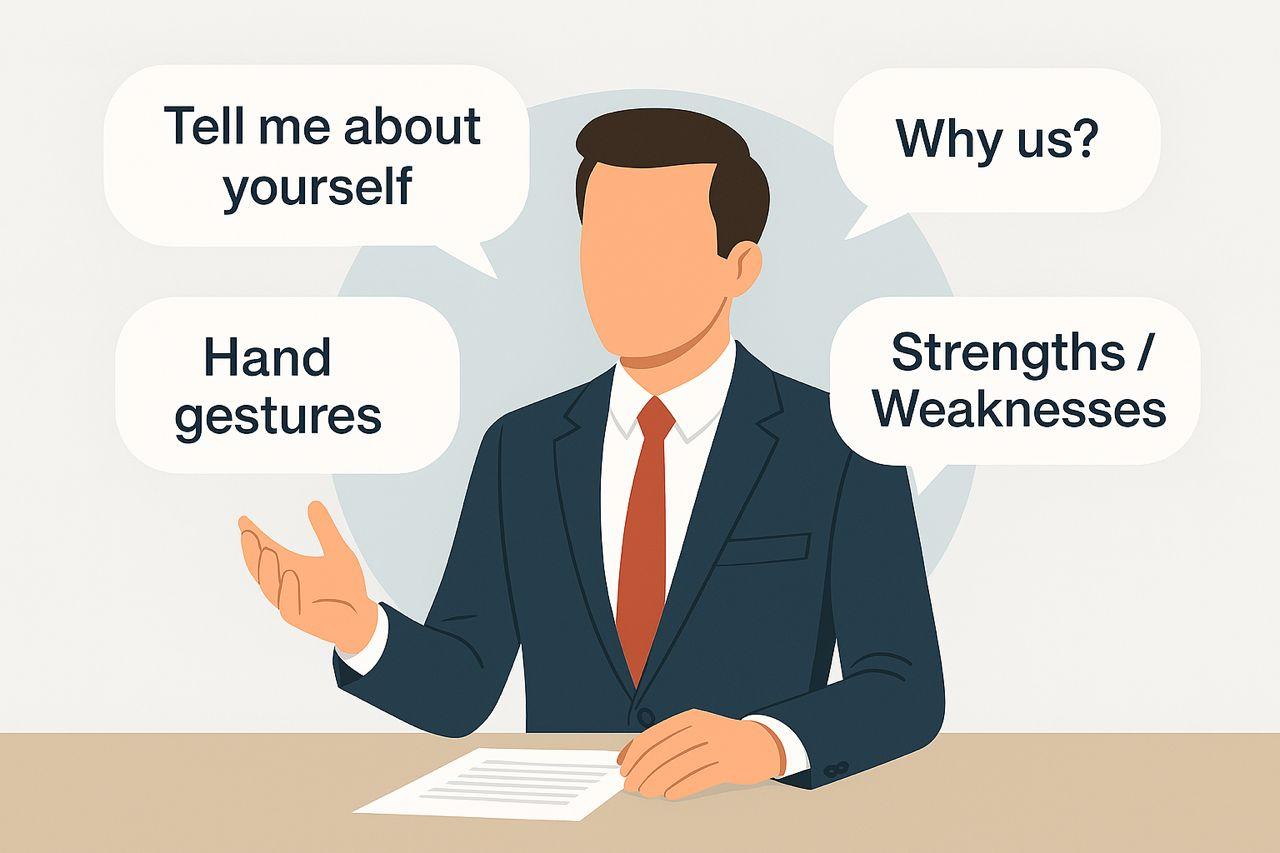
- Use subtle hand gestures to emphasize points (keep them within frame)
- Smile naturally and nod to show active listening
- Position yourself centered in the frame with appropriate headroom
- Practice sitting still to avoid distracting movements
"During my virtual interview with Google, I positioned my camera at eye level using a stack of books, created soft lighting with a ring light to my left, and connected via Ethernet instead of Wi-Fi. When the interviewer asked about my biggest challenge, I maintained eye contact while speaking, used purposeful hand gestures to emphasize key points, and noticed the interviewer leaning in—indicating strong engagement."
3. Engagement and Connection Strategies
Build rapport despite the digital barrier:
- Research interviewers' LinkedIn profiles to find conversation starters
- Use their names frequently to create personal connection
- Prepare specific questions about their remote work culture and collaboration tools
- Reference recent company news or projects to demonstrate genuine interest
- Use strategic pauses to avoid talking over others (common in video calls)
4. Platform-Specific Best Practices
Tailor your approach to the interview platform:
- Zoom: Use virtual backgrounds sparingly; test screen sharing capabilities
- Microsoft Teams: Familiarize yourself with chat features and reactions
- HireVue: Practice with AI interview platforms that analyse speech patterns
- Google Meet: Ensure seamless integration with Google Workspace tools
- Custom Platforms: Complete practice sessions before the actual interview
Virtual Interview Pro Tips:
- Conduct a full tech run-through 24 hours before the interview
- Have a backup device ready in case of technical issues
- Minimise distractions by turning off notifications on all devices
- Use the "speaker view" setting to focus on the interviewer
- Keep water nearby but avoid drinking during critical moments
Industry-Specific Virtual Interview Strategies
Technology & Development
"For tech roles, prepare to share your screen for coding challenges or portfolio reviews. Test your IDE or development environment sharing capabilities beforehand. Have a backup method to share code (GitHub, Pastebin) in case screen sharing fails. During pair programming interviews, verbalize your thought process clearly and ask clarifying questions frequently."
Creative & Marketing
"For creative roles, optimize your portfolio for digital presentation. Create a dedicated portfolio website with mobile-responsive design. During the interview, guide the interviewer through your work with specific examples of your creative process and impact. For design roles, consider sharing your screen while walking through Figma or Adobe XD files to demonstrate real-time collaboration skills."
Finance & Business
"For business roles, prepare to share and discuss financial models or presentations. Test your Excel or PowerPoint sharing capabilities and ensure formulas work correctly when shared. Have physical copies of key documents nearby for reference. During case interviews, use digital whiteboards effectively and maintain eye contact while explaining your thought process."
Healthcare & Clinical
"For healthcare roles, be prepared for virtual clinical assessments. Ensure your background meets professional standards and privacy requirements. Practice explaining complex medical concepts clearly through the camera. For telehealth positions, demonstrate familiarity with HIPAA-compliant platforms and virtual patient engagement techniques."
Virtual Interview Red Flags to Avoid
- ❌ Poor lighting that creates shadows or silhouettes
- ❌ Distracting background elements (clutter, movement, inappropriate items)
- ❌ Looking at your own video instead of the camera
- ❌ Interrupting due to audio lag or poor connection
- ❌ Reading responses from notes without making eye contact
Ready to Supercharge Your Job Search?
Our free Job Search Toolkit includes customizable templates, tracker sheets, and outreach scripts to help you stay organised and effective.
Download Free Toolkit