
Setting Up Your Home Video Studio
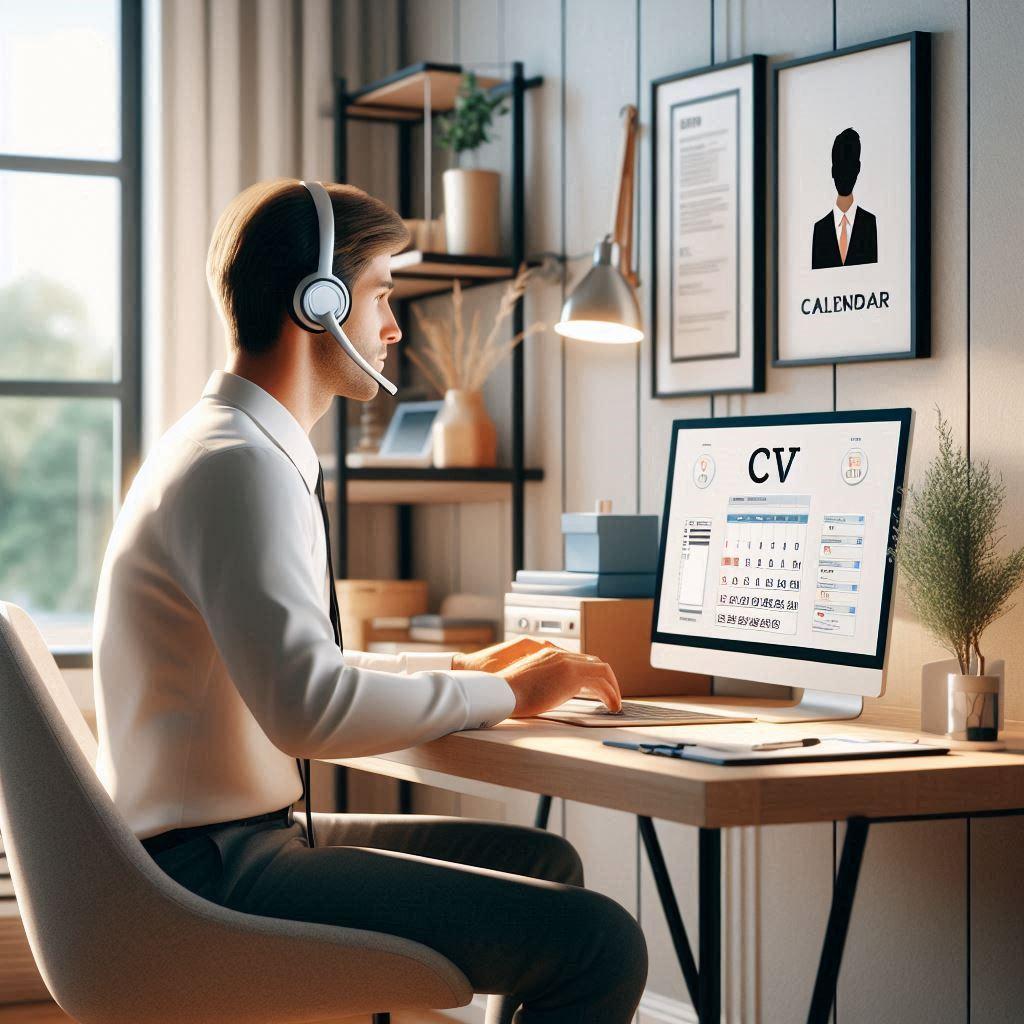
Creating professional-quality video content no longer requires expensive studio rentals—but the most successful home video setups aren't about having the most expensive gear. Instead, they focus on strategic equipment selection, thoughtful space planning, and understanding how to maximise the capabilities of what you have. Mastering your home video studio requires balancing technical quality with authentic presentation, creating setups that enhance rather than distract from your professional message while maintaining consistency across all your video content.
Why Professional Home Video Setup Matters
The impact of video quality on professional perception:
- Viewers form judgments about credibility within the first 7 seconds of watching
- Poor audio quality is the #1 reason viewers abandon videos
- Professional-looking videos increase perceived expertise by 47%
- Inconsistent video quality across platforms damages personal branding
- Well-produced videos generate 3x more engagement than low-quality alternatives
The Home Studio Framework
1. Strategic Space Planning
Create a dedicated video space that works for your needs:
- Identify a quiet area with minimal background noise and interruptions
- Select a space with enough depth for proper camera placement
- Consider natural light availability for daytime recordings
- Choose a location away from windows to control lighting consistency
- Plan for equipment storage to maintain a clean setup between recordings
"A financial advisor transformed a small corner of her home office into a professional video space. She positioned her desk perpendicular to the window for optimal natural lighting, added a simple bookshelf backdrop with professional-looking books, and used a portable microphone stand that folds flat for storage. This £200 setup (including a basic ring light and USB microphone) allowed her to create consistent, high-quality client education videos that increased her engagement rates by 65% and positioned her as a thought leader in her niche."
2. Essential Equipment Selection
Invest in the right gear for professional results:
- Camera: Smartphone with good camera or entry-level DSLR/mirrorless
- Audio: USB microphone or lavalier mic for clear, professional sound
- Lighting: Ring light, softbox, or natural light optimization techniques
- Backdrop: Solid color wall, bookshelf, or portable backdrop system
- Support: Tripod or stable surface for consistent framing
3. Lighting Optimization Techniques
Master lighting for professional appearance:
- Use the three-point lighting system (key, fill, backlight) for dimension
- Position key light at 45 degrees to avoid harsh shadows
- Diffuse harsh light sources with softboxes or diffusion materials
- Use natural light near north-facing windows for consistent quality
- Avoid backlighting that creates silhouettes or glare on camera
4. Audio Quality Enhancement
Ensure clear, professional audio that keeps viewers engaged:
- Use directional microphones positioned close to your mouth
- Treat echo-prone rooms with rugs, curtains, or acoustic panels
- Record in quiet spaces away from HVAC systems and traffic noise
- Use audio editing software to reduce background noise and enhance clarity
- Monitor audio levels to prevent distortion while maintaining volume
Home Studio Pro Tips:
- Use your smartphone's front camera at eye level for natural eye contact
- Position lights at eye level or slightly above, never below
- Test your setup by recording a short clip and reviewing on multiple devices
- Create a consistent backdrop that reinforces your personal brand
- Develop a pre-recording checklist to ensure consistent quality
Industry-Specific Studio Setups
Technology & Development Roles
"For tech professionals, effective home studios often incorporate subtle tech elements that reinforce expertise without distraction. Successful setups include clean, modern backgrounds with minimal decor, professional lighting that eliminates shadows on screens, and high-quality audio that ensures clear communication of technical concepts. Many tech professionals position their camera to capture a glimpse of relevant books or tasteful tech decor that reinforces their specialty without appearing cluttered. The focus remains on the person, with technical elements serving as subtle reinforcement of professional identity rather than the main attraction."
Sales & Client-Facing Roles
"For sales professionals, home studios should convey approachability and professionalism. Successful setups use warm lighting that creates an inviting atmosphere, neutral backgrounds that don't distract from the personal connection, and camera angles that create natural eye contact. Many sales professionals incorporate subtle elements that reinforce their industry expertise—like a tasteful bookshelf with relevant titles or a single piece of industry-related art—without creating visual clutter. The audio setup is particularly critical, as clear communication is essential for building trust and demonstrating active listening skills through vocal nuance and appropriate pauses."
Creative & Design Fields
"For creative professionals, home studios often become extensions of their portfolio. Successful setups incorporate creative elements that showcase style and aesthetic sensibility while maintaining professionalism. This might include custom backdrops that reflect personal design style, creative lighting setups that demonstrate technical proficiency, or carefully curated backgrounds that showcase relevant work without appearing cluttered. The key is balancing creative expression with clear communication—using the space to demonstrate visual thinking skills while ensuring the focus remains on the professional message rather than the environment itself."
Executive & Leadership Positions
"For executives, home studios should convey authority and strategic thinking. Successful setups feature clean, professional backgrounds with minimal distractions, high-quality lighting that creates a polished appearance, and camera angles that reinforce confidence and presence. Many executives incorporate subtle elements that reinforce their industry expertise—a tasteful bookshelf with relevant titles, a single piece of meaningful artwork, or a clean desk setup that conveys organisation and focus. The audio quality is particularly critical, as clear, confident communication is essential for demonstrating leadership presence and strategic thinking through vocal delivery."
Home Studio Setup Comparison
| Equipment | Budget Option (£100-300) | Professional Option (£300-600) | Premium Option (£600+) |
|---|---|---|---|
| Camera | Smartphone with good camera | Entry-level DSLR or mirrorless camera | Mid-range mirrorless camera with good low-light performance |
| Audio | USB condenser microphone | XLR microphone with audio interface | Professional XLR microphone with pop filter and shock mount |
| Lighting | LED ring light or softbox kit | Two-point lighting kit with softboxes | Three-point lighting system with professional modifiers |
| Backdrop | Solid wall or portable backdrop | Bookshelf with professional books | Custom-designed backdrop with brand elements |
What to Avoid
- ❌ Using built-in laptop cameras that create unflattering upward angles
- ❌ Recording in spaces with poor acoustics or background noise
- ❌ Overcomplicating your setup with unnecessary equipment
- ❌ Ignoring the importance of consistent lighting across recordings
- ❌ Creating visually cluttered backgrounds that distract from your message
Ready to Supercharge Your Job Search?
Our free Job Search Toolkit includes customizable templates, tracker sheets, and outreach scripts to help you stay organised and effective.
Download Free Toolkit